























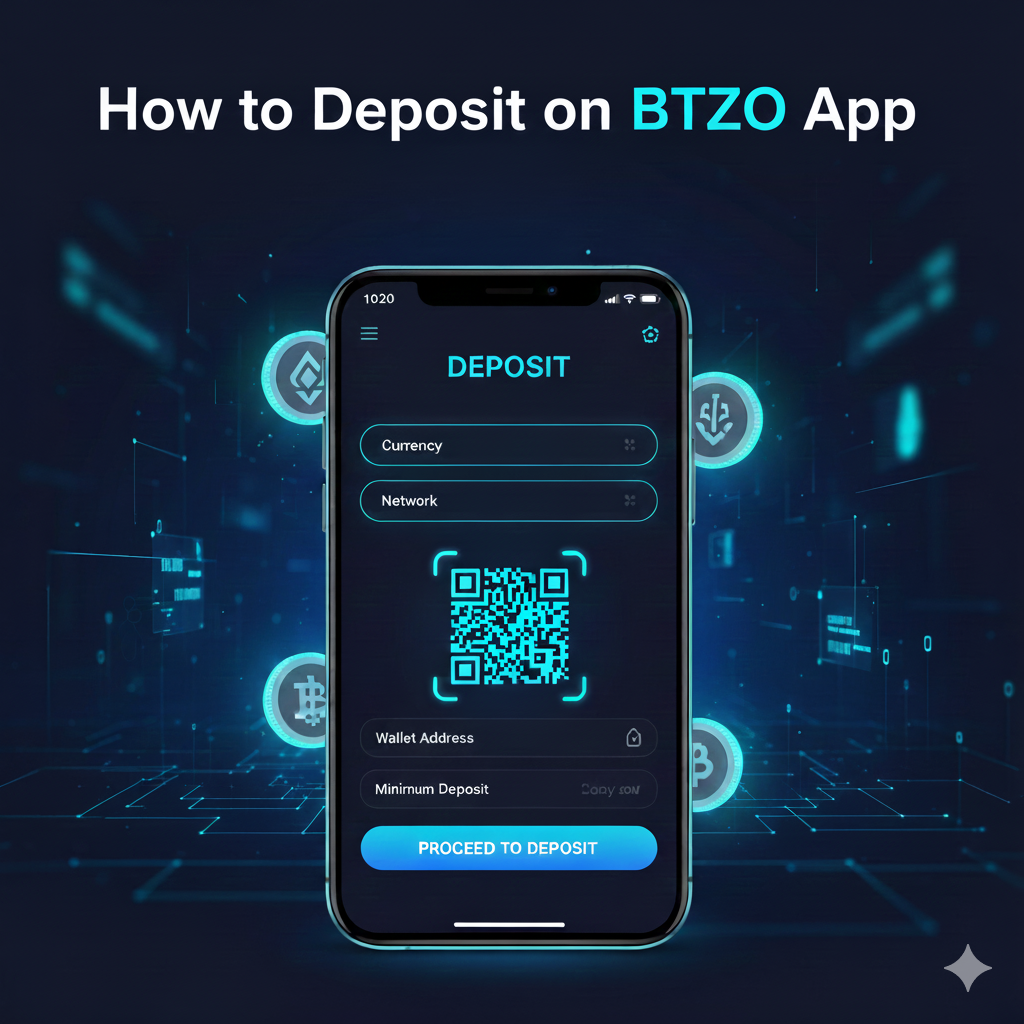
Learning how to deposit crypto on BTZO app is easy and safe. Here’s the simple answer: Open your BTZO app, go to your wallet, pick your cryptocurrency, copy your deposit address, and send funds from your other wallet. This deposit on BTZO app process usually takes just minutes. The BTZO wallet deposit system is made for beginners but keeps your crypto secure. In this guide we’ll walk you through on how to deposit crypto through the Btzo app.
Getting Started with Crypto Deposits
New to crypto? Don’t worry! Depositing on BTZO app is straightforward. The app guides you through each step clearly.
What is depositing? It’s moving your crypto from another wallet or exchange into your BTZO account. Think of it like transferring money between bank accounts. This guide shows you how to deposit crypto on BTZO app with simple steps anyone can follow.
What is a Crypto Deposit?
A crypto deposit means sending digital money to your exchange account.
- Like digital moving: You transfer crypto from one place to another
- Safe storage: Your crypto stays secure in BTZO’s system
- Ready to use: Once deposited, you can trade or earn with your crypto
- Trackable: You can see when your deposit arrives
What You Need Before Depositing
Get these things ready before you start your deposit on BTZO app:
Must-Have Items
- BTZO App: Download APK file
- BTZO Account: Signed up and verified
- Crypto Ready: Have crypto in another wallet or exchange
- Network Knowledge: Know about different blockchain types
- Security Setup: 2FA turned on for safety
Understanding Networks
Different cryptos use different “networks” – like different roads for delivery:
- ERC20: Ethereum network (sometimes higher fees)
- TRC20: Tron network (usually lower fees)
- BEP20: Binance Chain (moderate fees)
- Native: Bitcoin and others have their own networks
Important: Picking the wrong network can make you lose your crypto!
How to Deposit Crypto on BTZO App: Simple Steps
Follow these easy steps for your BTZO wallet deposit:
Step 1: Open BTZO App and Find Wallet
- Open your BTZO app
- Log into your account
- Tap “Wallet” at the bottom
- Choose “Spot Wallet”
Step 2: Pick Your Crypto
- Look through the crypto list
- Use search to find your coin fast
- Tap the crypto you want to deposit
- Click “Deposit” button
Step 3: Choose Network and Copy Address
- Select the right network
- Must match the network you’re sending from
- Tap “Copy” to get your deposit address
- Or use QR code if sending from phone wallet
Step 4: Send From Your Other Wallet
- Open your other wallet or exchange
- Go to “Send” or “Withdraw” section
- Paste your BTZO deposit address
- Check the address is correct
Step 5: Check Everything
- Enter the amount to send
- Make sure network matches
- Look at fees and final amount
- Confirm the transaction
Step 6: Wait for Arrival
- Transaction processes on blockchain
- Time varies by network
- You can track with transaction ID
- Funds show up after confirmations
Common Mistakes and How to Avoid Them
Don’t make these errors when learning how to deposit crypto on BTZO app:
1. Wrong Network
- Mistake: Picking different networks for sending and receiving
- Fix: Always check both sides use same network
- Example: Don’t send TRC20 USDT to ERC20 address
2. Wrong Address
- Mistake: Typing address wrong or copying incorrect one
- Fix: Always use copy button and check first/last characters
- Tip: Send small test amount first for large transfers
3. Unsupported Coins
- Mistake: Sending crypto BTZO doesn’t accept
- Fix: Check BTZO’s supported coins list first
- Research: Make sure both coin and network work
4. Not Enough for Fees
- Mistake: Sending all your crypto without leaving some for fees
- Fix: Keep extra crypto for network fees
- Planning: Calculate fees before sending
5. Forgetting Memo/Tag
- Mistake: Not adding memo when needed
- Fix: Always include memo if deposit screen shows one required
- Note: Coins like XRP, XLM need memos
Ready to Start?
Now you know how to deposit crypto on BTZO app! Remember:
- Double-check addresses and networks
- Start with small test amounts
- Be patient with confirmations
- Keep records of your transactions
The BTZO app makes managing crypto easy. Your BTZO wallet deposit is the first step to trading and earning with cryptocurrency.
Download the BTZO app today and make your first deposit to begin your crypto journey!
Frequently Asked Questions
Usually 10-30 minutes, but can be longer if network is busy. You can track your deposit using the transaction ID.
First check the transaction status with your TXID. If it’s confirmed on blockchain but not in your account, contact BTZO support with your details.
BTZO doesn’t charge fees, but network fees (gas fees) apply. These go to the blockchain network, not BTZO, and vary by network and how busy it is.