




























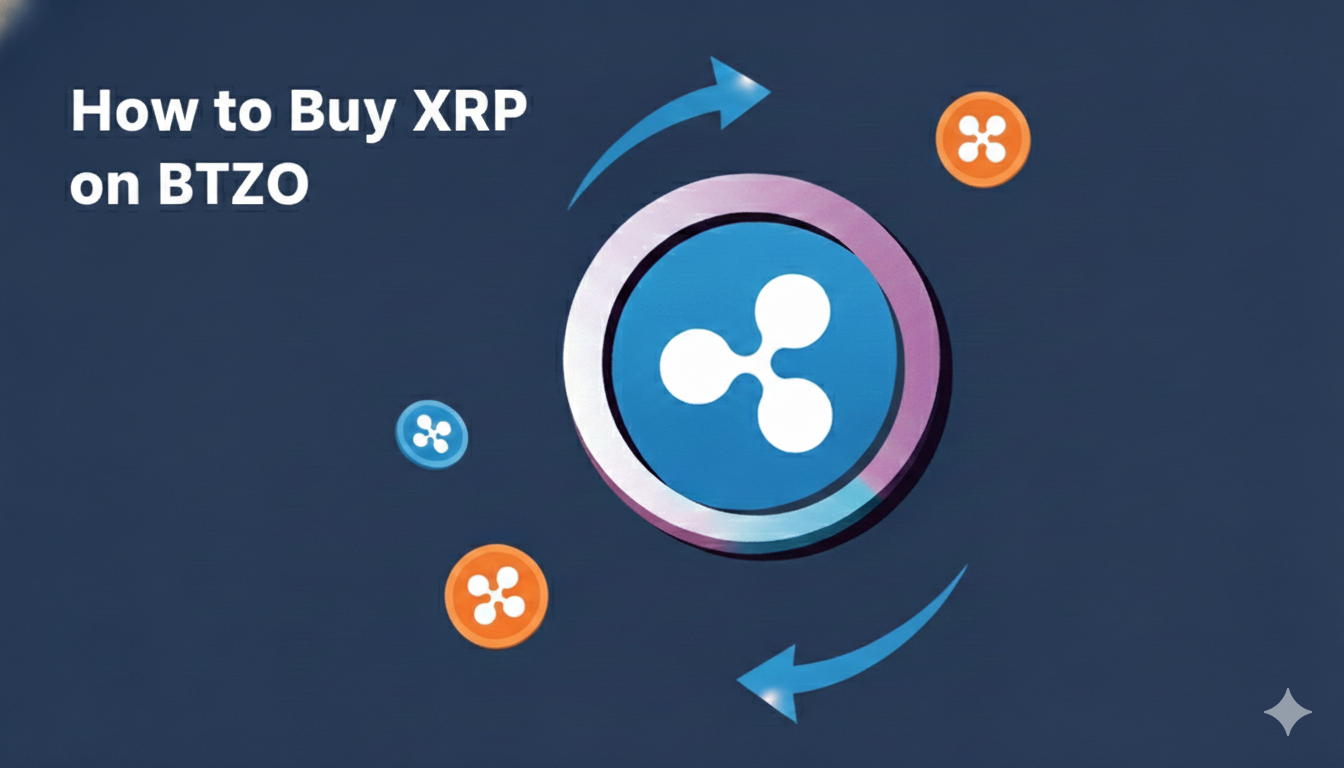
Want to know how to buy XRP on BTZO? It’s pretty straightforward. You’ll need to sign up, put some money in your account, find the right trading pair, and hit buy. This guide will hold your hand through each click and tap on the btzo platform, so you can get your first XRP with zero stress.
XRP is that crypto you hear about banks using for international payments. It’s fast, cheap, and a big name in the market. If you’re thinking of adding some to your bag, you need a place that’s easy to use. That’s where BTZO comes in. It’s built so you can jump in and trade XRP on BTZO without needing a finance degree. Let’s get you from zero to XRP owner.
What is XRP?
XRP is the digital token that runs on the Ripple network. Its main gig is being a super-efficient middleman for money moving across borders.
The Real-World Job:
Imagine a bank in the US needs to send money to Japan. Instead of a slow, expensive wire transfer, they can use XRP to settle the payment in seconds for pennies.
Why You Might Want It:
For regular folks like us, XRP is a popular crypto to trade. Its price goes up and down based on news, how the overall market is doing, and adoption stories. This makes it a common choice for XRP spot trading, where you buy the actual asset to hold or trade later.
Why Pick BTZO to Make Your XRP Purchase?
There are a lot of exchanges out there. Here’s what makes BTZO a good starting point for this:
- No Confusing Menus: The layout is clean. Finding what you need to buy XRP doesn’t feel like a scavenger hunt.
- Straight-Up Spot Trading: BTZO lets you do direct XRP spot trading. This means you can swap your USDT (or other crypto) for actual XRP tokens right away.
- You See the Fees: The costs are laid out clearly before you confirm a trade, so there are no nasty surprises.
- They Take Security Seriously: They use standard protections to help keep your account safe, which is the most important thing.
Get This Sorted Before You Start
Don’t rush to the buy button just yet. Get these two things ready first:
- Your BTZO Account: You have to sign up on the platform. They’ll likely ask you to verify your email and maybe your identity. Standard stuff to keep everyone safe.
- Money in the Account: You can’t buy XRP with wishes. You need to fund your BTZO “spot wallet.” The easiest way for beginners is to deposit USDT, which is a stablecoin worth $1. This is what you’ll use to pay for your XRP. You can also deposit other coins if you have them.
The Actual Steps: Buying XRP on BTZO
Follow this path. It’s simpler than it looks.
Step 1: Log In and Get Some Funds In There
- Open the BTZO app or website and log in.
- Click on “Wallet”.
- Find Deposit in the list and click “USDT”
- BTZO will show you a unique deposit address. Copy that address exactly and use it to send USDT from wherever you’re holding it (another exchange, a private wallet, etc.). Wait a few minutes for the transfer to complete and show up in your balance.
How to Deposit USDT to BTZO:
Also Read: How to use Deposit feature in BTZO
Step 3: Place Your Buy Order
You’ll see a box where you can place an order. You have two main choices:
Market Order
- This buys XRP right now at whatever the current market price is.
- Make sure the “Market” tab is selected.
- Type in how much USDT you want to spend.
- Click “Buy XRP.” Done.
Limit Order
- This lets you set the maximum price you’re willing to pay per XRP.
- Select the “Limit” tab.
- Enter your desired price and how much XRP you want.
- Your order will sit there and only fill if the market hits your price.
Also Read: What is Limit Order?
Step 4: Confirm and You're Done!
A pop-up will ask you to confirm the details. Give it a quick look, then confirm. Once it processes, the XRP will be yours. Check your wallet—you should see your new balance.
You Bought XRP! Now What?
Your shiny new XRP is now sitting in your BTZO Spot Wallet.
- To See It: Go back to your Wallet section. You’ll find XRP listed with your amount.
- To See the Receipt: Your order history will have a record of the trade.
- Your Options: Now you can:
- Hold It: Leave it be and see what happens.
- Trade It Later: Swap it for something else down the line.
- Withdraw It: For maximum safety, send it to your own personal XRP wallet (like a Ledger or Trezor).
Keep It Safe: Non-Negotiable Security Tips
This isn’t just boring advice. It’s your money.
- Turn ON 2FA: Enable Two-Factor Authentication in your BTZO account settings. It’s the biggest single thing you can do to stop hackers.
- Password: Never, ever give your password or 2FA code to anyone. Real support will never ask for it.
- Triple-Check Addresses: When depositing or withdrawing, check the wallet address character-by-character. One typo and your crypto is gone forever.
- Bookmark the Real Site: Only use the official BTZO website. Fake sites exist to steal your login info.
Final Words
Learning how to buy XRP on BTZO is just about following a clear process: get an account, add funds, find the market, and buy. The platform is built to make your first trade XRP on BTZO experience as smooth as possible.
Take it slow, keep security front of mind, and welcome to being an XRP holder.
FAQ
BTZO does not require KYC (identity verification) to trade or use the converter.
BTZO does not accept direct cash or bank payments. You must first get cryptocurrency like USDT from another platform and then send it to your BTZO wallet.
The Converter is a simple, fixed-price swap—fast and easy. The Market is where the real trading happens; it might give you a slightly better price, especially for larger amounts, but has a couple more steps.