



























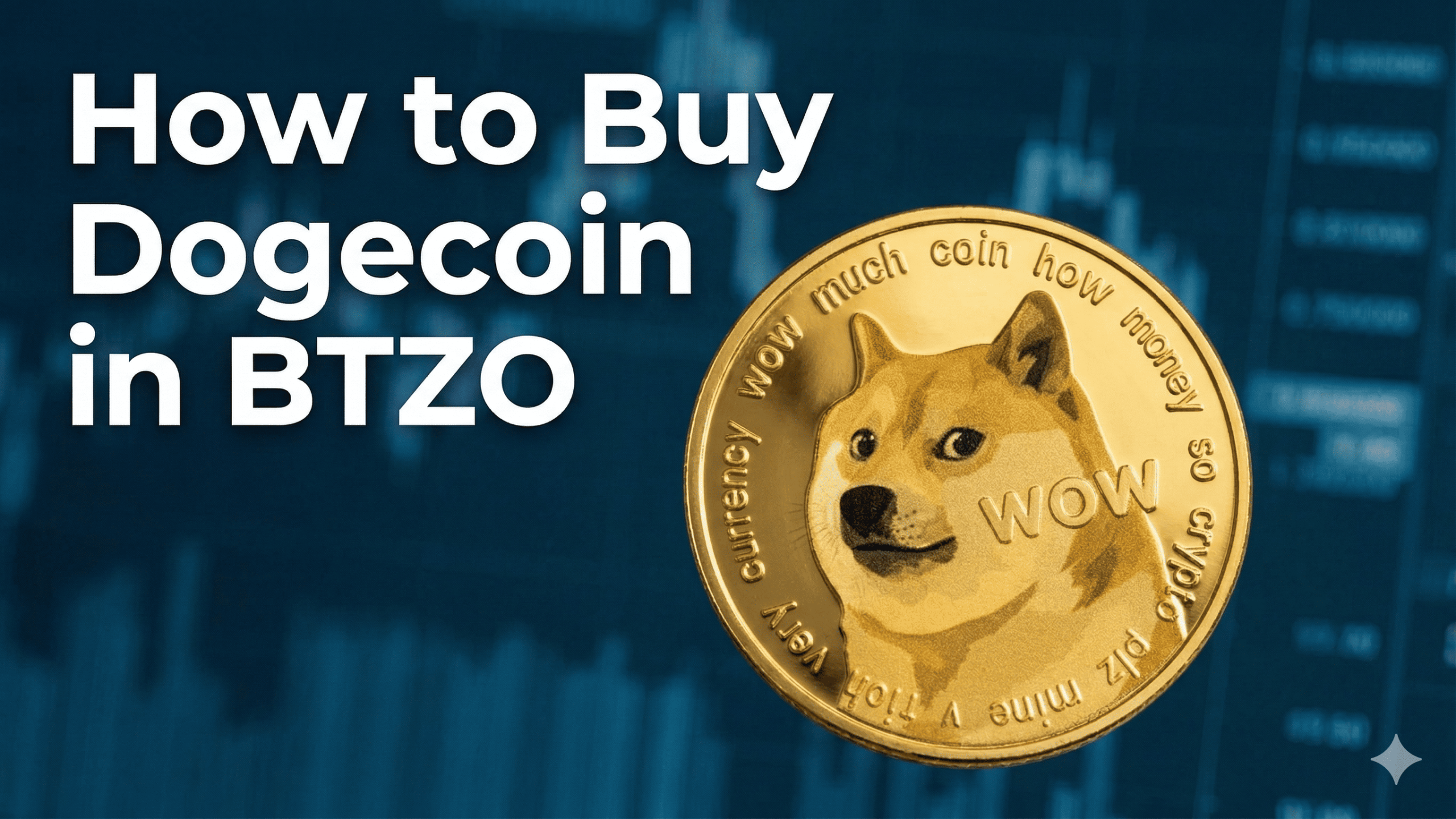
To buy dogecoin on btzo, you need a verified account on the btzo exchange and some USDT in your wallet. Once you have those ready, you can place your first dogecoin spot trading order in just a few clicks using the btzo app. This guide walks you through every step so you can add the popular dogecoin token to your portfolio with zero stress.
Why People Still Love Dogecoin
Dogecoin started as a joke in 2013. Two software engineers created it to poke fun at all the serious cryptocurrencies popping up . They put a Shiba Inu dog on it and called it a day.
Funny thing happened. People actually liked it.
Today, Dogecoin has one of the biggest communities in crypto. The “Doge Army” shows up for every rally. Merchants accept it. Elon Musk tweets about it. The price moves on vibes more than fundamentals.
In early 2026, people are watching to see if Dogecoin gets integrated into platforms like X (formerly Twitter) . Some analysts think it could happen. Others think it’s just more hype.
Either way, buying Dogecoin on BTZO takes minutes. Here’s how.
What Is Dogecoin?
Dogecoin is the first meme-based cryptocurrency. It was never intended to be serious.
The basics:
- Developed as a joke in 2013.
- The logo features the Shiba Inu dog from the “Doge” meme.
- There is no hard cap on supply—about 5 billion new coins are created each year.
How does it differ from Bitcoin?
- Bitcoin has a maximum of 21 million coins. Dogecoin has a limitless supply.
- Bitcoin is referred to as “digital gold.”Dogecoin is internet fun money.
- Bitcoin moves on institutional news. Dogecoin moves on tweets.
What it's used for:
- Tipping content creators online.
- Small payments between friends.
- Speculative trading based on community sentiment.
Current price outlook: Most analysts expect Dogecoin to trade between $0.10 and $0.20 for most of 2026, with spikes during meme coin mania .
Why Buy Dogecoin on BTZO?
Simple Interface
BTZO keeps things clean. You won’t get lost in menus or confused by charts.
Spot Trading Available
You buy real DOGE tokens. Not contracts. Not derivatives. Actual coins you can hold or withdraw.
Low Fees
BTZO fees are competitive and clearly shown before you trade. No hidden costs.
Secure Platform
Your account and funds stay protected with standard security measures.
What You Need Before Buying Dogecoin on BTZO
1. A BTZO Account
Go to the btzo exchange website or download the btzo app. Sign up. Complete the verification process (KYC) by uploading your ID (Its optional). This takes a few minutes.
2. Funds to Trade With
You need USDT in your spot wallet. USDT is a stablecoin that stays at $1. It’s what you’ll use to buy DOGE.
If you don’t have USDT yet:
- Deposit it from another wallet
- Or buy it on BTZO if card payments are available in your region
Step-by-Step Guide: How to Buy Dogecoin on BTZO
Step 1: Log In
Open BTZO on your phone or computer. Log into your account.
Step 2: Add Funds
- Go to “Wallet.”
- Click “Deposit”
- Pick the network and matching wallet
- Copy the address shown
- Send USDT from your other wallet to this address
- Wait a few minutes for the deposit to go through
Step 3: Find Dogecoin
- Look for “Markets”
- Type “DOGE” in the search bar
- Click on the DOGE/USDT pair
Step 4: Place Your Order
You have two choices.
Market Order
- Click the “Market” tab
- Type how much USDT you want to spend
- Click “Buy DOGE”
- Your order fills right away at the current price
Also Read: What is Market Order?
Limit Order
- Click the “Limit” tab
- Set the price you want to pay for each DOGE
- Enter how many DOGE you want
- Click “Buy DOGE”
- Your order only fills if the price drops to your number
Also Read: What is Limit Order?
Step 5: Check Your Order
Once your order fills, go back to “Wallet.” You’ll see DOGE in your balance. You now own Dogecoin.
How to Check and Manage Your Dogecoin After Purchase
- See Your Balance: Go to “Wallet.” Your DOGE shows up next to your other coins.
- View Your Trade: Check “Order History” to see the details of your purchase. Good for keeping records.
- What You Can Do Now:
- Hold: Keep it in your BTZO wallet and see what happens
- Trade: Swap it for other coins later
- Withdraw: Move it to your own private wallet for safekeeping
Security Tips When Buying Dogecoin
- Turn On Two-Factor Authentication: Go to settings and enable 2FA right now. This stops someone from getting into your account even if they steal your password.
- Never Give Out Login Info: No one from BTZO will ever ask for your password or 2FA codes. If someone does, they’re lying.
- Check Addresses Carefully: When you deposit or withdraw, look at every character of the wallet address. One wrong letter and your money is gone forever.
- Only Use Official BTZO: Bookmark the real BTZO website. Only download the app from your phone’s official store. Fake sites try to steal your info.
Winding Up
Buying Dogecoin on BTZO takes about five minutes once your account is set up.
Quick recap:
- Sign up and verify your account
- Deposit USDT
- Find DOGE/USDT
- Place your order
- You own Dogecoin
Dogecoin isn’t for everyone. It doesn’t have the serious use cases of Ethereum or Solana. But its community keeps it alive and its price can surprise you when meme coin season hits.
Ready to buy?
Sign up for BTZO now and grab your first Dogecoin in minutes.
FAQ
You can start with any amount. The trading screen shows the minimum order size. Sometimes you can buy for as little as $5 worth.
It depends where you live. The easiest way that works for everyone: buy USDT first (with card if available), then trade USDT for DOGE.
BTZO charges a small fee when you buy or sell. The exact amount shows on the order screen before you confirm. There are also network fees if you deposit or withdraw.